
TLDR
- Teams look for a Camunda alternative when the terms change. Camunda 7 Community stopped getting patches in October 2025, Camunda 8 needs a paid license for production, and BPMN feels heavy for code-first teams.
- The post sorts six tools by the reason you're leaving. Unmeshed leads, then Operation for stranded Camunda 7 teams, Flowable for a close BPMN match, Temporal for code-first teams, Kestra for YAML workflows, and Bizagi for business-led design.
- Each tool gets its pros, cons, features, pricing, and G2 rating. G2 ratings run from 4.3 (Flowable) to 4.6 (Kestra and Bizagi), and Operation and Unmeshed have no G2 profile.
- The post says when staying on Camunda is the better call. That covers large enterprise BPMN, business readers who sign off on models, and teams with budget for the Enterprise license.
- Unmeshed is item 1 for code-first teams that want public prices, with a free plan of 2,000 executions a month and Premium at $20 a month. It states its limits plainly, such as no BPMN modeler and no G2 profile.
I've watched a few teams go through the same thing lately. Nothing broke. Their workflows ran fine, their dashboards were green, and everyone liked the tool. Then the terms changed, and suddenly they were looking for a Camunda alternative.
It feels a lot like a landlord rewriting your lease. The apartment is the same. The rent, the rules, and the fine print aren't. You don't leave because you hate the place. You leave because you finally read the new terms.
For Camunda, the new terms came in three parts. Camunda 7 Community Edition stopped getting patches in October 2025. Camunda 8 needs a paid license for production. And plenty of teams that write code find BPMN heavy. So we sorted this list by the reason you're leaving, which makes it easier to spot your own problem and the place built for it.
If you want the head-to-head with our own product, see our full comparison. Okay, let's get into it.
1. Why Do Teams Look for Camunda Alternatives?
Teams look for Camunda alternatives because something changed. Camunda 7 Community Edition reached end of life in October 2025, Camunda 8 needs a paid Enterprise license for production use, and BPMN feels heavy for teams that mostly write code. Each reason points to a different tool.
None of this makes Camunda a bad product. G2 users rate it 4.5 out of 5 across 328 reviews. These are simply the moments when people start comparing process automation alternatives.
Camunda 7 Community Reached End of Life
Camunda shipped its last Camunda 7 feature release, 7.24, on October 14, 2025, and archived the repository. Community Edition users get no more releases or security patches. Enterprise customers keep patches and support until April 9, 2030, and extended support runs to 2032 for an added fee, per Camunda's announcement.
End of life doesn't mean the software stops running. It means nobody patches it anymore, and that's the line where security teams start asking questions.
Camunda 8 Needs a Paid License for Production
Camunda's docs say the compiled Camunda 8 software for self-managed use is proprietary, and production use needs the Self Managed Enterprise Edition. Development and non-production use is free. Camunda doesn't publish a production price, so Camunda pricing starts with a call to sales, as the licensing page describes.
Some teams are fine with that, since an enterprise contract comes with enterprise support. Others want to read a number on a page before they commit.
BPMN Can Feel Heavy for Code-First Teams
BPMN is a visual standard that business and technical people can read together, which is its strength. For a team that writes services in code, drawing diagrams and running several platform components can feel like extra weight. That gap is why code and YAML tools show up on Camunda shortlists.
If business people need to read and approve the process model, though, BPMN earns its keep. I'll come back to that.
2. Camunda Alternatives at a Glance
This BPM tool comparison covers six Camunda alternatives. Unmeshed leads the list, Operaton and Flowable keep BPMN, Temporal and Kestra use code or YAML, and Bizagi serves business-led teams. Ratings come from G2, and two tools have no G2 profile.
| Tool | Best For | License or Model | G2 Rating, Nov 2026 |
|---|---|---|---|
| Unmeshed | Code-first teams, flat public plans | Free plan, then paid plans | No G2 profile |
| Operaton | Camunda 7 teams | Apache 2.0, free | No G2 profile |
| Flowable | BPMN, CMMN, and DMN | Apache 2.0 engines, quoted platform | 4.3 from 13 reviews |
| Temporal | Code-first durable workflows | Open source, usage-based cloud | 4.5 from 46 reviews |
| Kestra | YAML workflows | Apache 2.0 core, paid editions | 4.6 from 26 reviews |
| Bizagi | Business-led process design | Free modeler, quoted platform | 4.6 from 321 reviews |
| Camunda, for reference | Large enterprise BPMN | Free to develop, Enterprise license for production | 4.5 from 328 reviews |
1. Unmeshed, Best for Code First Teams Who Want Flat Plans
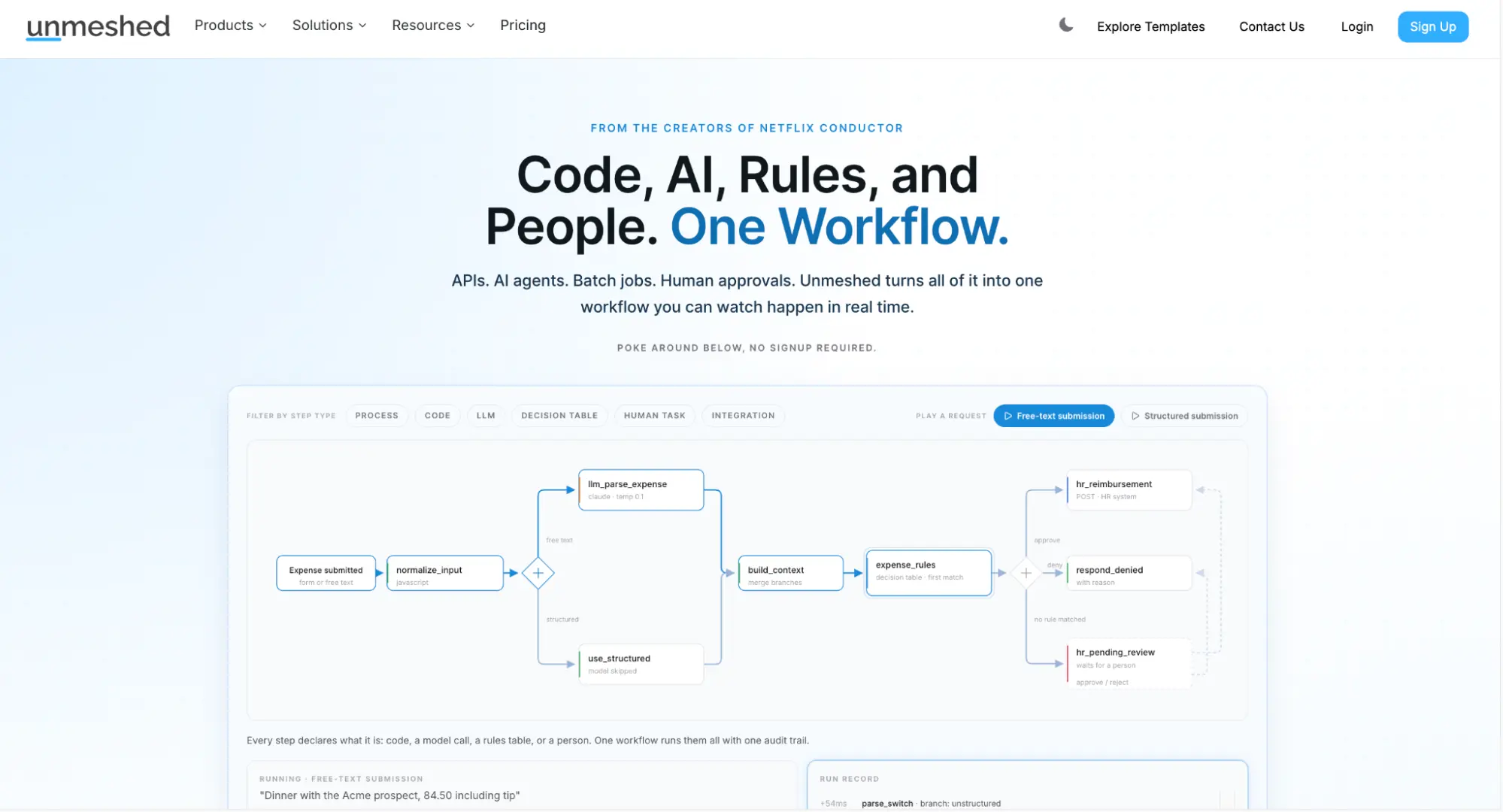
Unmeshed is a workflow orchestration platform from the team behind Netflix Conductor. You define workflows in JSON, YAML, or code, run them self-hosted or in the cloud, and get retries, human review, and a rules engine built in. It suits code-first teams that want flat, public plans.
Pick it if you write workflow logic in code and want to read the price on a page. Skip it if business readers need to review and sign off on BPMN diagrams, because Unmeshed isn't a BPMN modeler.
Unmeshed gives code-first teams workflows in JSON, YAML, or code, built-in retries and human review, 100+ integrations, and public plans with a free tier. The trade-offs are no BPMN modeling and a smaller public review footprint than older platforms.
Pros
- Workflows in JSON, YAML, or code, with workers as plain functions in Java, Go, TypeScript, and Python.
- Human-in-the-loop steps and a built-in decision engine, so human review and rules live inside the same flow.
- Self-host or use the cloud, with 100+ native integrations.
Cons
- No BPMN modeler. BPMN diagrams from another tool would need to be rebuilt as workflows.
Features
Unmeshed covers JSON, YAML, or code workflows, workers in four languages, human-in-the-loop steps, a built-in decision engine, a visual designer, and 100+ native integrations. It runs self-hosted or in the cloud.
- Workflow definitions in JSON, YAML, or code, with a visual designer.
- SDKs for Java, Go, TypeScript, and Python.
- A decision engine for rules and routing, plus approvals through human-in-the-loop steps.
- Retries, execution history, and 100+ integrations in one set of workflows.
Pricing
As of November 2026, Unmeshed's free plan includes 2,000 workflow executions a month, Premium costs $20 a month for 10,000 executions, and Enterprise is custom priced. You can start without a sales call. Unmeshed has no G2 profile, so there's no rating to show.
- Free forever, with 2,000 workflow executions a month and community support. The current list of flat plans is on our pricing page.
- Premium at $20 a month for 10,000 executions, with batch job scheduling and email support.
- Enterprise with custom pricing, unlimited executions, SSO and SAML, RBAC, and SLA backed support.
Skip The Sales Call.
Build your first workflow in JSON, YAML, or code, on a free plan with 2,000 executions a month.
Start My Free Plan2. Operaton, Best for Teams Stuck on Camunda 7
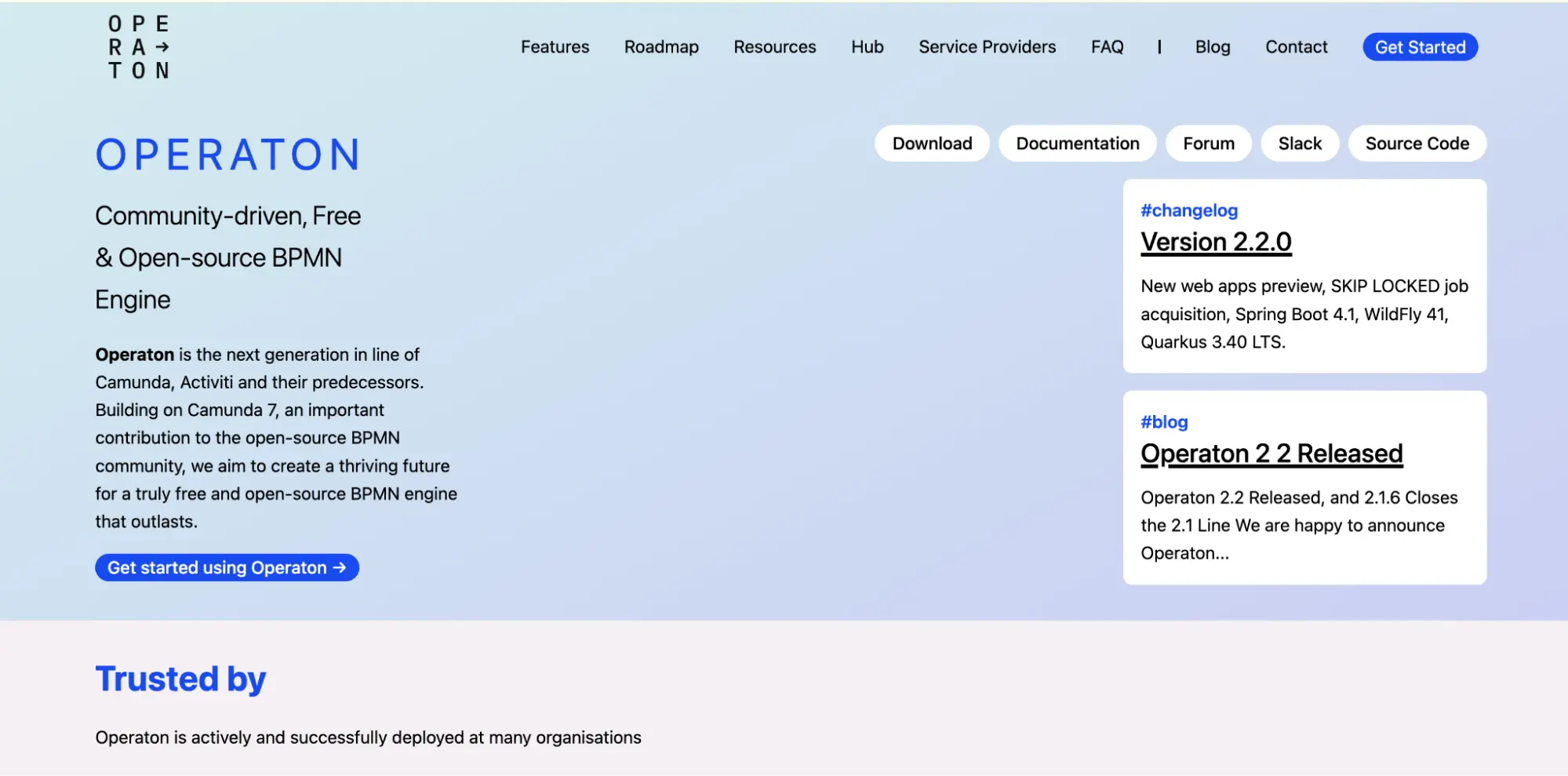
Operaton is a community fork of Camunda 7 Community Edition, licensed under Apache 2.0. It keeps the Camunda 7 database schema and renames the Java package from org.camunda to org.operaton, which makes it the lowest-effort move for Camunda 7 teams that want to stay on BPMN.
I've seen teams put the Camunda 7 move off until a security review forces it. This is the option for that moment, because most of the work is renaming. Pick it if you run Camunda 7 CE today and want patches without a license fee. Skip it if you need a vendor with a long-term support contract built in.
Pros
- Free under Apache 2.0, with no license fees, usage limits, or commercial tier.
- Same database schema as Camunda 7 CE, so no database migration. An OpenRewrite recipe automates the dependency and package renames.
- Existing BPMN models keep working in the 1.x line, and Camunda Modeler still works with it.
Cons
- Plugins and custom code need small rewrites because the namespace changed.
- Governance is still forming. The project FAQ says a non-profit is planned and no single company controls the project.
- No traditional LTS line. Each release is supported for six months, and long-term support comes from third-party providers.
Features
- BPMN engine you can embed in Spring Boot, Quarkus, or Jakarta EE, run standalone, or run with Docker or Helm.
- PostgreSQL, MySQL and MariaDB, SQL Server, Oracle, and IBM DB2 for production use.
- SSO through OAuth2, OpenID Connect, and LDAP by engine plugins, plus an MCP server for AI agents.
Pricing
- Free. Paid help for consulting, migration, and long-term maintenance comes from independent service providers.
G2 rating
- No G2 profile.
3. Flowable, Best for a Close BPMN Match
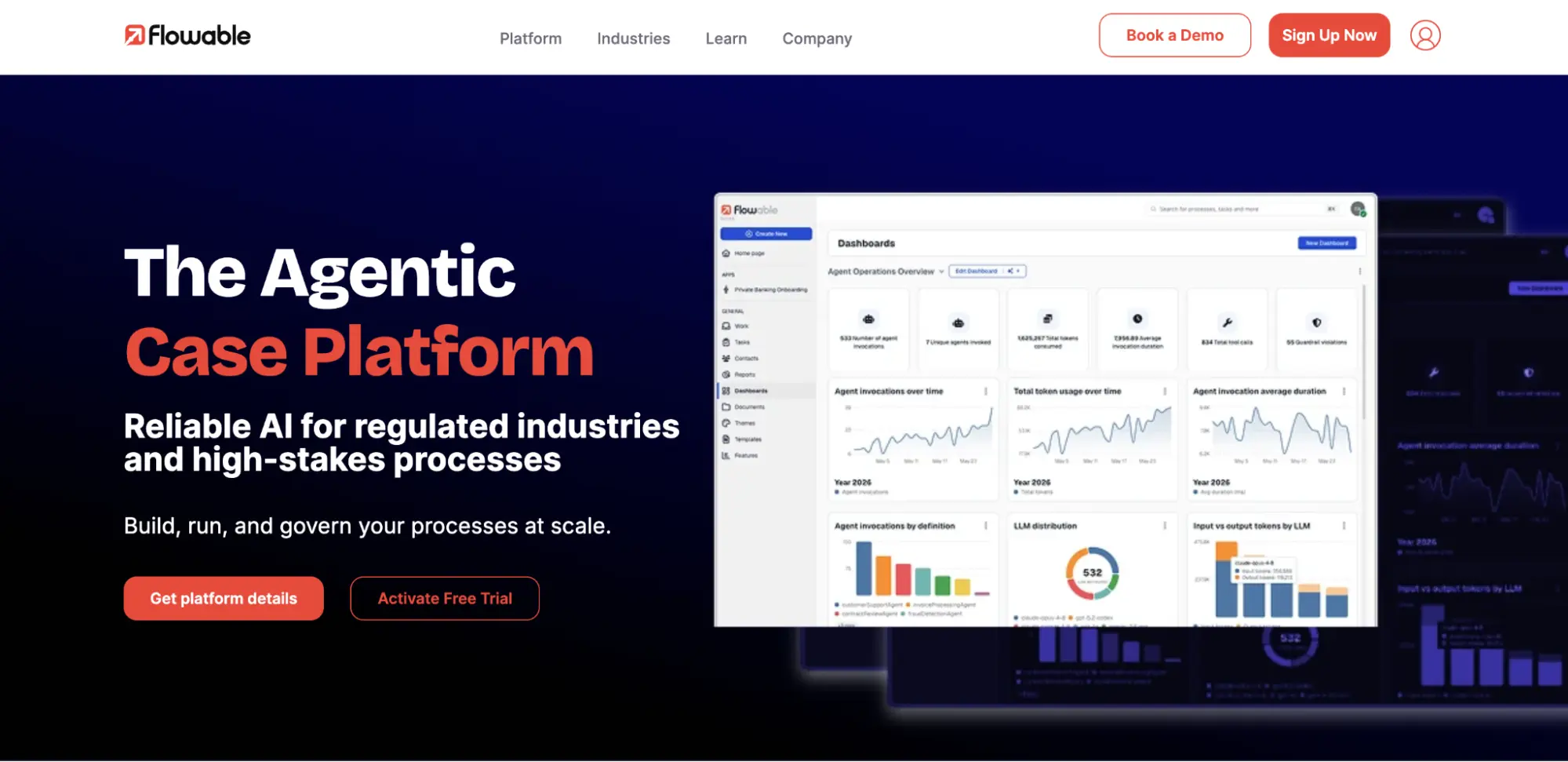
Flowable is an independent platform built on open source BPMN, CMMN, and DMN engines under Apache 2.0. Its commercial Agentic Case Platform adds governance, case management, and AI agent controls. Teams that want to stay on BPMN but leave Camunda often shortlist it first.
Pick it if you want open BPMN, CMMN, and DMN standards and case management from one vendor. Skip it if you want a published price list, because Flowable's enterprise pricing sits behind a conversation.
Pros
- Open source engines for BPMN, CMMN, and DMN under Apache 2.0, which you can inspect and embed, as described on Flowable's open source page.
- Case management is a core feature, which suits long-running, non-linear work like claims and onboarding.
- Enterprise platform adds audit trails, policy controls, and monitoring for regulated work.
Cons
- No public enterprise price list.
- Positioned for regulated industries and case-heavy work, which can be more platform than a simple workflow needs.
- A smaller G2 sample than Camunda, with 13 reviews.
Features
- BPMN process engine, CMMN case engine, and DMN rules engine, runnable embedded or as a service.
- Low-code modeling, forms, task inboxes, and document handling on the enterprise platform.
- Agent orchestration with human in the loop sign off, and connectors for legacy systems and SaaS apps.
Pricing
- Open source engines are free. The enterprise platform has a free trial and quoted pricing, so talk to Flowable for numbers.
G2 rating
- 4.3 out of 5 from 13 reviews on G2.
4. Temporal, Best for Code-First Teams
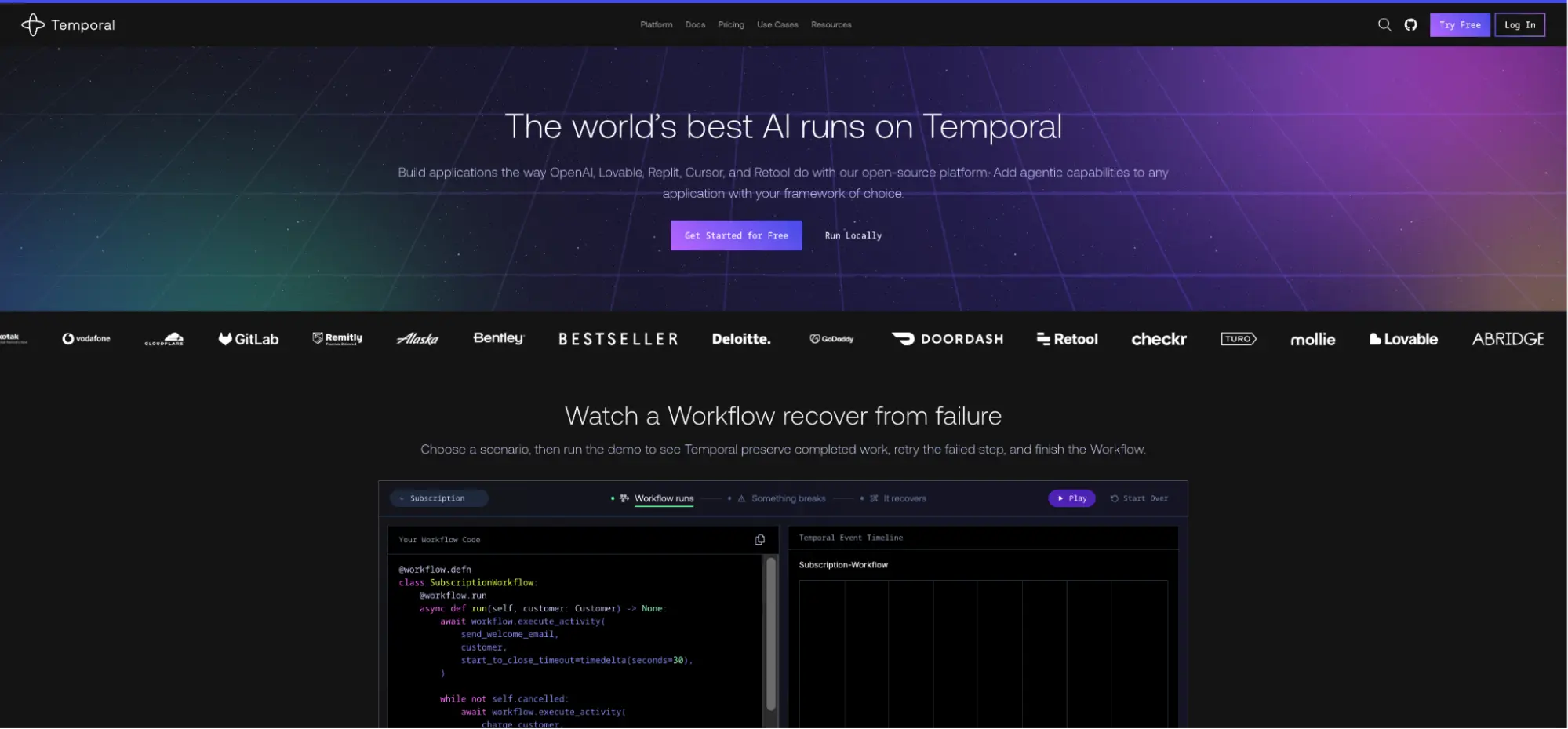
Temporal runs workflows as code in languages like Go, Java, Python, and TypeScript, and it handles retries and state for you. It's not a BPMN tool, so it suits teams that would rather write workflow logic than draw it.
Pick it if your workflows are long-running and you want strong recovery from failures. Skip it if business users need a visual designer. Our guide to durable execution explains the idea behind it.
Pros
- G2 reviewers praise reliability, automatic retries, and a UI that shows where a failed run stopped.
- SDKs for Go, Java, Python, TypeScript, .NET, PHP, Ruby, and Rust.
- Cloud and self-hosted use the same workflow code, one reviewer notes.
Cons
- G2 reviewers repeatedly call the learning curve steep, especially the deterministic code rules.
- The action-based pricing took some reviewers time to estimate at first.
- No BPMN modeler or business-facing designer.
Features
- Durable execution that keeps workflow state through crashes and deploys.
- Retries with backoff, timers that sleep for months, signals, queries, and schedules.
- Child workflows, versioning for safe deploys, and search across executions.
Pricing
- Temporal Cloud is pay-as-you-go, from $50 per million actions, with self-service volume discounts down to $25 per million. New accounts get $150 in credits for 90 days. Storage starts at $0.042 per GB hour active. Business support starts at $500 a month. Details are on Temporal's pricing page.
- The open-source server is free to run yourself.
G2 rating
- 4.5 out of 5 from 46 reviews for Temporal Cloud on G2.
5. Kestra, Best for YAML First Workflows
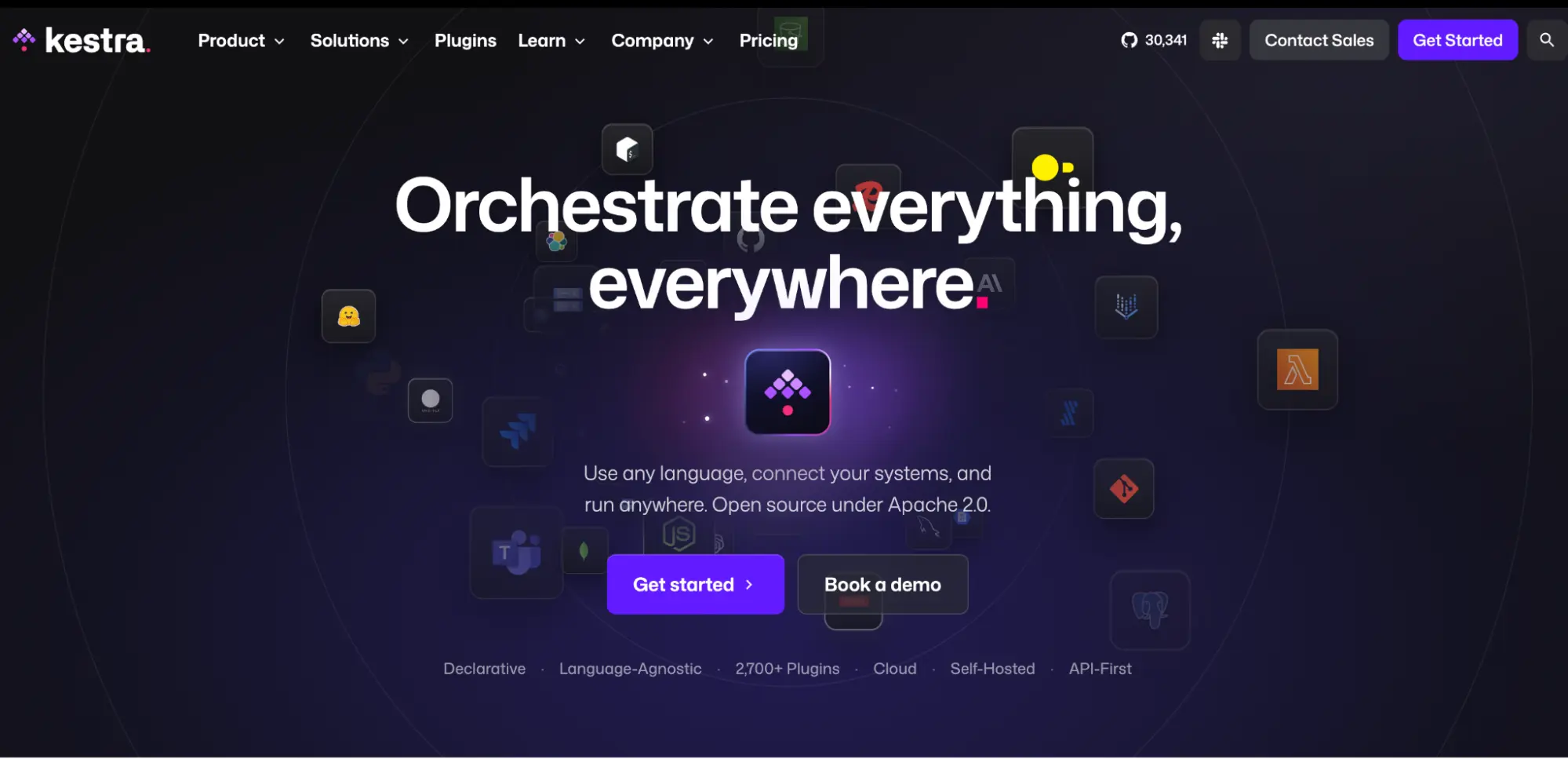
Kestra defines workflows in YAML and runs them on an open-source engine with a UI. It suits data and operations teams that want declarative workflows with a big plugin library, and it isn't built around BPMN.
Pick it if your team likes workflows as YAML in Git. Skip it if you need SSO, RBAC, audit logs, and approvals on a free tier, because Kestra keeps those in its paid editions.
Pros
- Apache 2.0 core with no limits on flows or executions, and 2,700+ plugins.
- Code and no-code editors that stay in sync, plus an AI copilot and an MCP server in the core.
- Three ways to run it: self-run core, managed cloud, or self-hosted enterprise.
Cons
- SSO, RBAC, audit logs, and approval apps are not in the free core.
- No BPMN modeling for business readers.
- A smaller G2 sample than the older BPM tools, with 26 reviews.
Features
- Declarative YAML workflows with scheduling and event triggers.
- Task runners on Kubernetes and cloud batch services in the paid editions.
- Governance features in paid editions, including SSO, RBAC, audit logs, secrets, and policies.
Pricing
- Kestra Core is free. Kestra Cloud is usage-based, with a 14-day trial. Kestra Enterprise is instance-based and quoted. Details are on Kestra's pricing page.
G2 rating
- 4.6 out of 5 from 26 reviews on G2.
6. Bizagi, Best for Business-Led Process Design
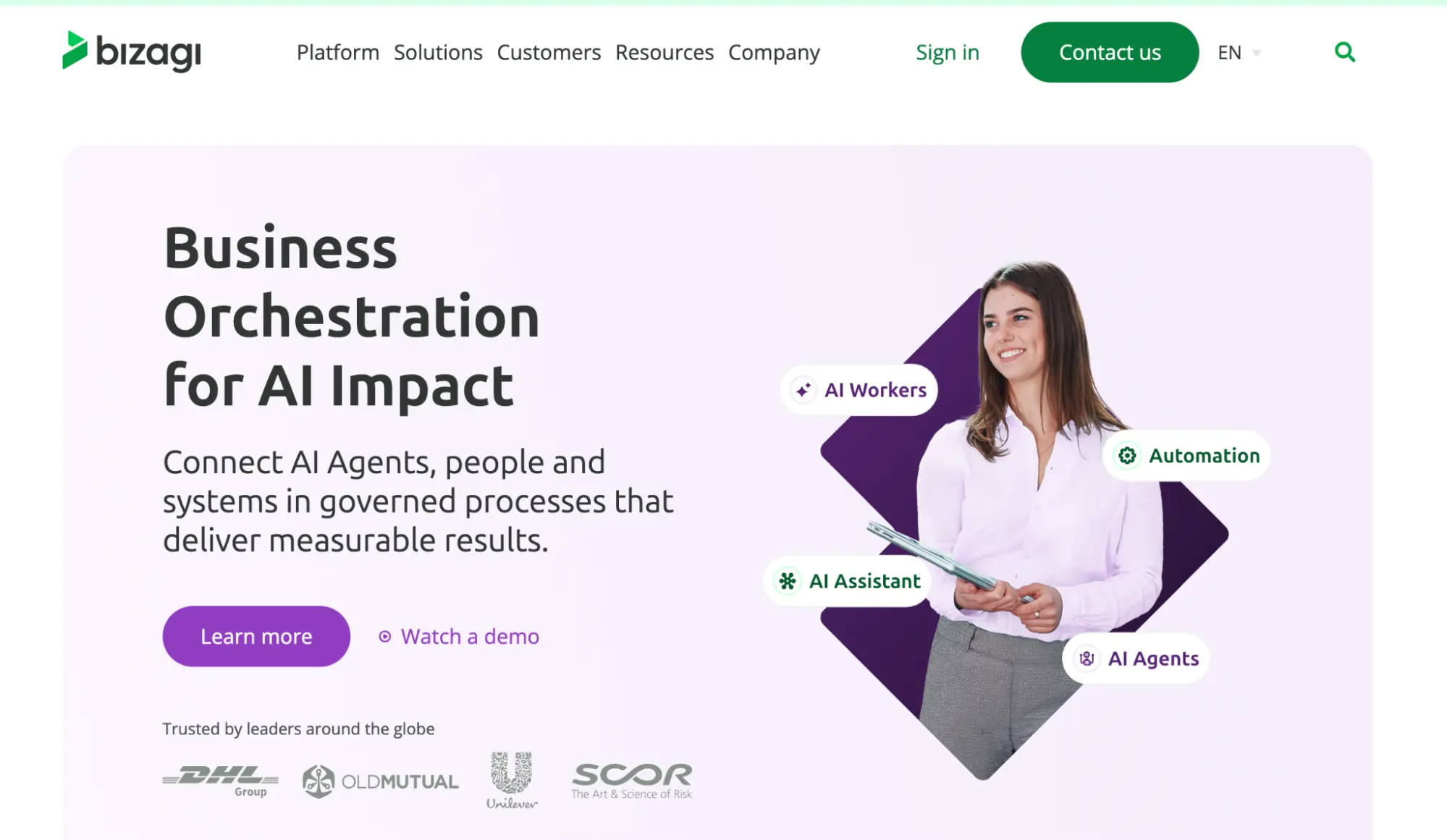
Bizagi is a low-code process platform built so business analysts can model, automate, and run processes. It suits organizations where process owners, not developers, lead the design, and where a visual model matters more than workflow code.
Pick it if business teams own process design, and you want a large review base behind the tool. Skip it if you want self-serve pricing, because Bizagi sells through proposals.
Pros
- The highest-rated tool on this list with a large sample, 4.6 from 321 G2 reviews.
- A free Modeler for process modeling, though it stores data locally and has no cloud features.
- Low-code building, so business analysts can do more without developers.
Cons
- Platform pricing is by proposal, with no public price list.
- G2 reviewers report an average of about 5 months to implement.
- Less developer control than a code-first tool, by design.
Features
- Process modeling, automation, and low-code app building.
- AI agents and workers configured in an AI hub, with MCP connectors.
- Process analytics and monitoring, and role-based access.
Pricing
- Modeler is free. Automation and production use need a proposal from Bizagi. Modeler isn't sold separately and comes with its platform, as the Bizagi help FAQ explains.
G2 rating
- 4.6 out of 5 from 321 reviews on G2.
3. How Do You Choose Among Camunda Competitors?
Choose among Camunda competitors by the reason you are leaving. Stuck on Camunda 7, pick Operation. Want BPMN with another vendor, pick Flowable. Prefer code or YAML, look at Unmeshed, Temporal, or Kestra. Business-led teams should look at Bizagi.
If you're also weighing wider orchestration tools, that guide covers more of the field.
Match the Tool to Why You Are Leaving
List your top reason for leaving, then pick the Camunda alternative built for it. A reason about patching points to a fork, a reason about licensing points to an open source engine or a public plan, and a reason about BPMN weight points to code or YAML tools. One reason usually decides it.
| Your Reason | Look At |
|---|---|
| Camunda 7 stopped getting patches | Operaton |
| Want BPMN, but not Camunda's license | Flowable |
| Prefer workflow logic in code | Temporal or Unmeshed |
| Prefer YAML workflows in Git | Kestra or Unmeshed |
| Business people should design processes | Bizagi |
Questions to Ask Before You Move
Before you move, ask four things.
- Do business people need to read the process model?
- How many workflows run today, and how will that grow?
- Who runs the platform after launch?
- And what does moving your existing BPMN files involve?
The answers narrow six tools to one or two.
No Camunda competitor wins on every count, and any camunda vs alternatives debate ends fast once you answer the first question. If business people must read the model, stay with BPMN tools. If they don't, a code or YAML tool opens up.
When Staying on Camunda Is the Better Call
Staying on Camunda is the better call if you run large enterprise BPMN processes, need business readers to sign off on models, and have budget for the Enterprise license. Camunda 8 is a mature platform, so leave it only when a specific problem pushes you out.
G2 users rate it 4.5 out of 5 across 328 reviews on G2. If your only complaint is the license, price the Enterprise quote first. It may come out fine, and moving costs real time.
Final Take
Here's my take. The best Camunda alternative depends on why you're leaving. Operaton keeps Camunda 7 going, Flowable keeps BPMN, Unmeshed, Temporal, and Kestra drop it for code or YAML, and Bizagi serves business-led teams. Pick by reason, then test one process on your top two.
Go back to the lease. Before you sign anywhere new, read the terms, including what's free, what's quoted, and what happens when you grow. Every Camunda alternative here has a catch somewhere. Better to find it on day one than in month eight.
If you write workflows in code and want prices you can read, Unmeshed is built for you, and the free plan is the fastest way to find out. Write down your top reason for leaving Camunda, pick the one tool that answers it, and run one process through it this week. Bring us one if you want a second pair of eyes.
Frequently Asked Questions
Sources
- 1.Camunda 7 Enterprise End of Life (EoL) Extension Announcement, Camunda
- 2.Licensing, Camunda 8 Docs
- 3.Open Source, Flowable
- 4.Temporal Platform Pricing Options, Temporal
- 5.Pricing, Kestra
- 6.Free Modeler FAQ, Bizagi
- 7.Flowable Platform Reviews, G2
- 8.Temporal Cloud Reviews, G2
- 9.Kestra Reviews, G2
- 10.Bizagi Reviews, G2
- 11.Camunda Reviews, G2
- 12.Camunda Alternative You Can Start Today, Unmeshed
Leaving Camunda?
Bring us one process. We'll show you how it would run.
Share the process that gives you the most trouble today and the reason you want out. We'll sketch it as an Unmeshed workflow with retries, human review, and rules.